Klndcorner
Klndcorner Controller Stand 4 Tiers with Cable Organizer for Desk, Universal Headphone Stand Compatible with Xbox PS5 PS4 Console Nintendo Switch, Headset Holder & Desk Mounts for 8 Packs Controller
Klndcorner Controller Stand 4 Tiers with Cable Organizer for Desk, Universal Headphone Stand Compatible with Xbox PS5 PS4 Console Nintendo Switch, Headset Holder & Desk Mounts for 8 Packs Controller
Regular price
$7.53 USD
Regular price
Sale price
$7.53 USD
Quantity
Couldn't load pickup availability
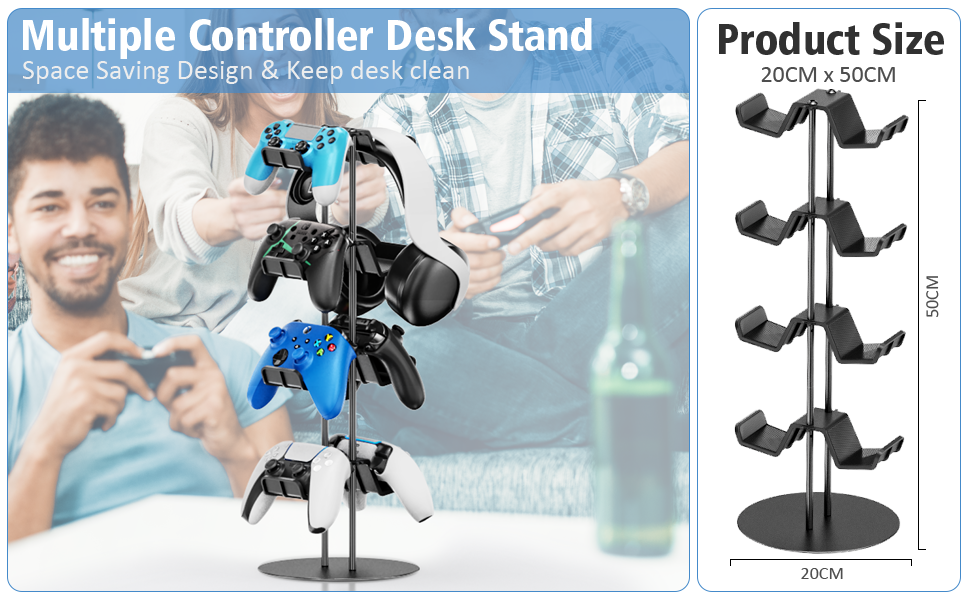
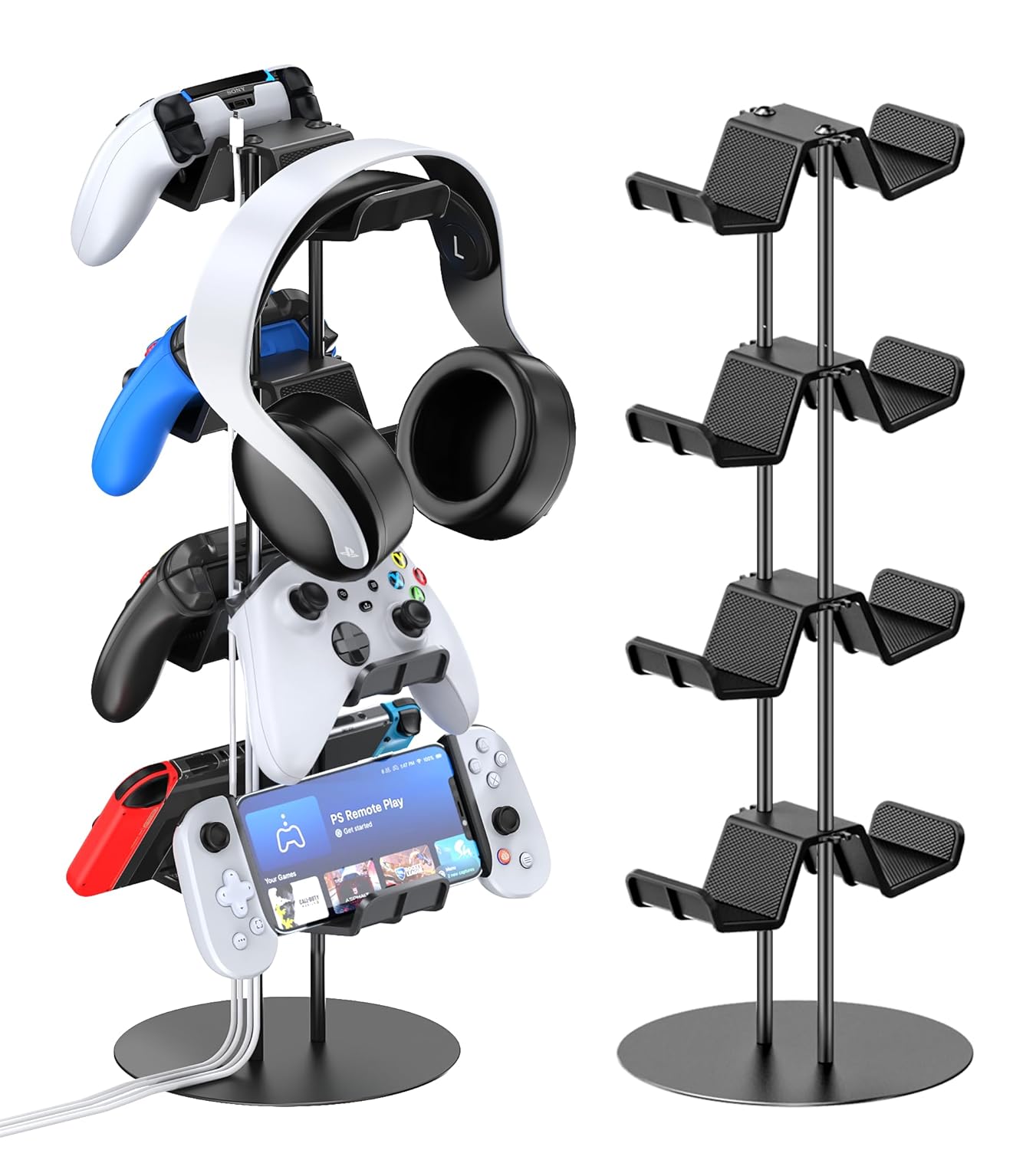
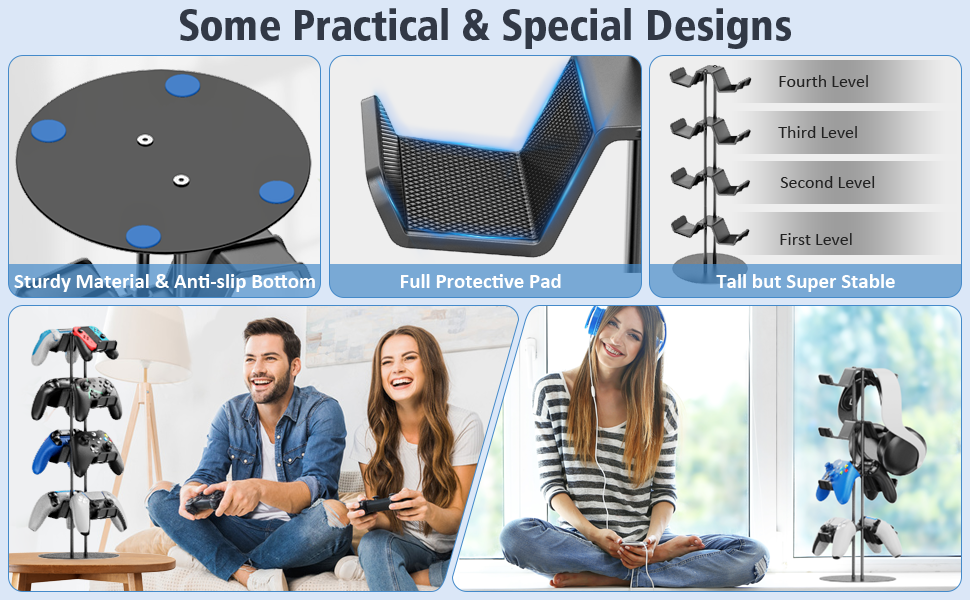
- HEADSET HOLDER: Gaming headset stand is not only a practical accessory, but also a fashionable addition to your gaming lifestyle. After using your headphone, you can easily hang them on the headphone hanger. The vertically designed game headphone stand does not take up any extra space, making your gaming area neat and orderly.
- ALUMINUM ALLOY METRIAL: Immerse yourself in worry-free gaming sessions with the ps5 controller holder. Crafted from high-quality aluminum alloy, the main body not only ensures stability and durability but also provides a premium look and feel. Bid farewell to wobbling or instability—your controllers are securely cradled.
- ORGANIZE YOUR GAMING SPACE: Transform your gaming area into a clean and organized haven with xbox controller holder. Keep your controllers within arm's reach, neatly displayed and ready for action. This switch stand is not just a functional accessory; it's a statement piece that adds a touch of sophistication to your gaming sanctuary.
- 4-STEP SIMPLE INSTALLATION: Say goodbye to complicated setups and hello to simplicity. The Kytok Controller Stand is thoughtfully designed for hassle-free installation. With user-friendly features, you can have it up and running in no time, allowing you to focus on what matters most.
Product information
-



STEP 1
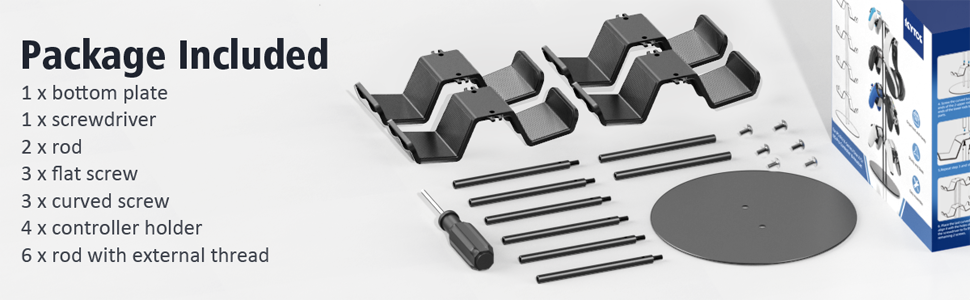
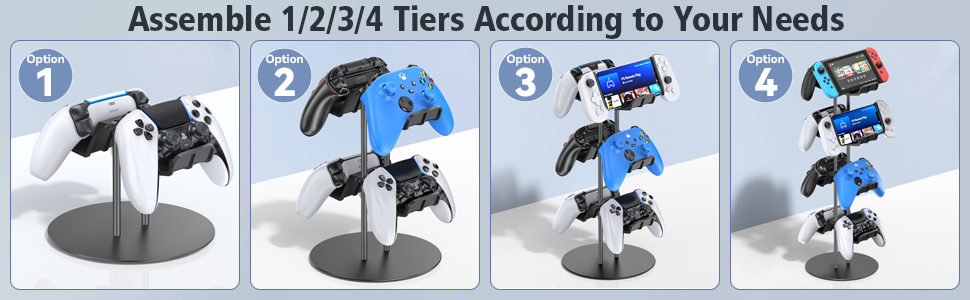
Use the included screwdriver and 2 flat screws to connect the bottom plate and 2 rods with external thread.

STEP 2
Install 3 controller holders and 4 rods with external thread in proper order. Use the screwdriver to reinforce the installation.
STEP 3
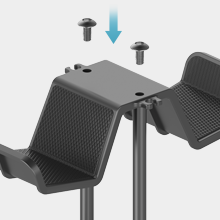
Put on the last controller holder on the top and use the screwdriver to lock it with curved screws.
STEP 4
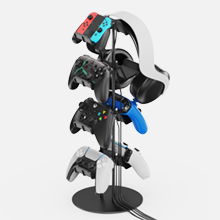
Organize gaming controller, headphone and cable in one place.